
Download Remix OS Player – Android emulator, desktop Android, virtual Android, run Android on PC, Android on Windows
Overview
Remix OS Player is a virtualization tool designed to bring the full Android experience to desktop Windows PCs. It enables users to run Android as a virtual machine within a window on their existing operating system, allowing seamless multitasking between Windows and Android applications. Unlike full system virtualizers that require booting into a separate environment, Remix OS Player operates in a lightweight, integrated manner, making it ideal for users who want to access Android apps without switching operating systems.
The app is particularly beneficial for developers, testers, and Android enthusiasts who need to run Android applications on a larger screen with full keyboard and mouse support. It also appeals to users seeking to run mobile apps not available on desktop platforms, such as certain social media tools, games, or productivity apps with mobile-exclusive features. The ability to run Android in a desktop-like environment enhances usability, especially for users accustomed to traditional PC workflows.
Developed by Jide Technology, Remix OS Player was introduced as a solution to bridge the gap between mobile and desktop computing. Although the developer did not provide additional technical details about its architecture or long-term development roadmap, the app remains a notable presence in the Android emulation space. Its release date of August 7, 2019, indicates it was launched during a period of growing interest in cross-platform compatibility. The app’s continued availability as a free tool underscores its role as an accessible utility for users seeking flexibility in their computing environments.
Key Features & Functionality
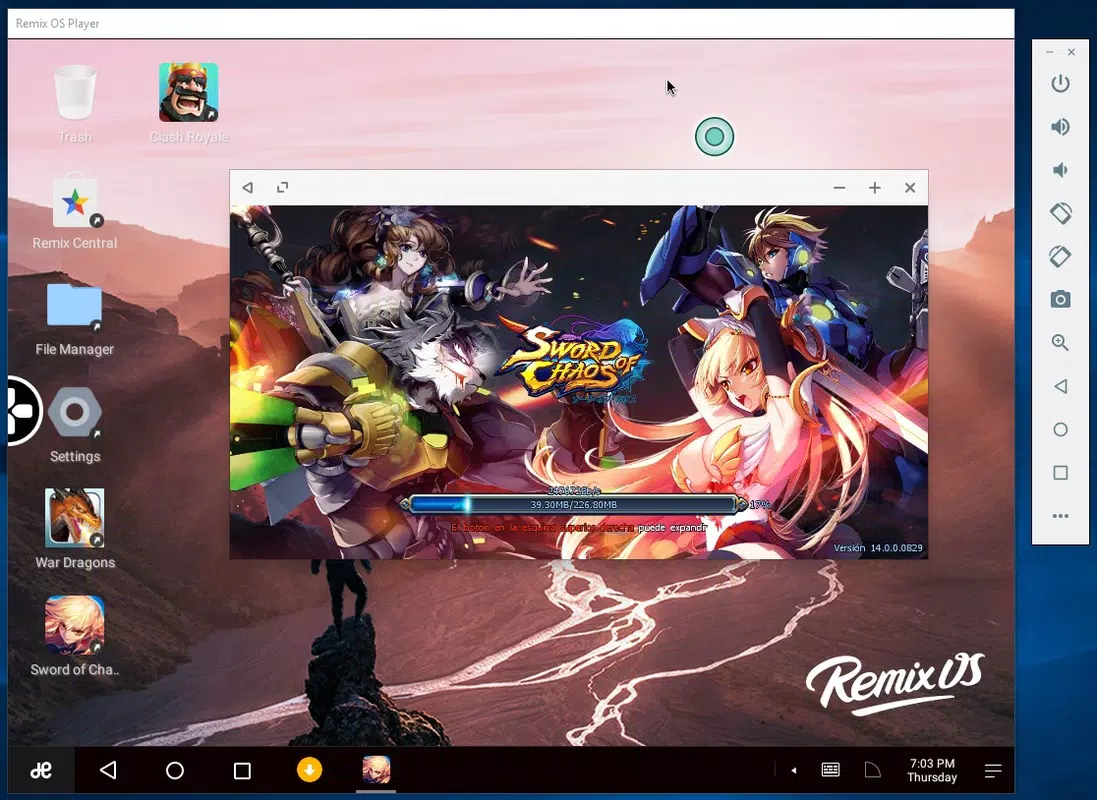
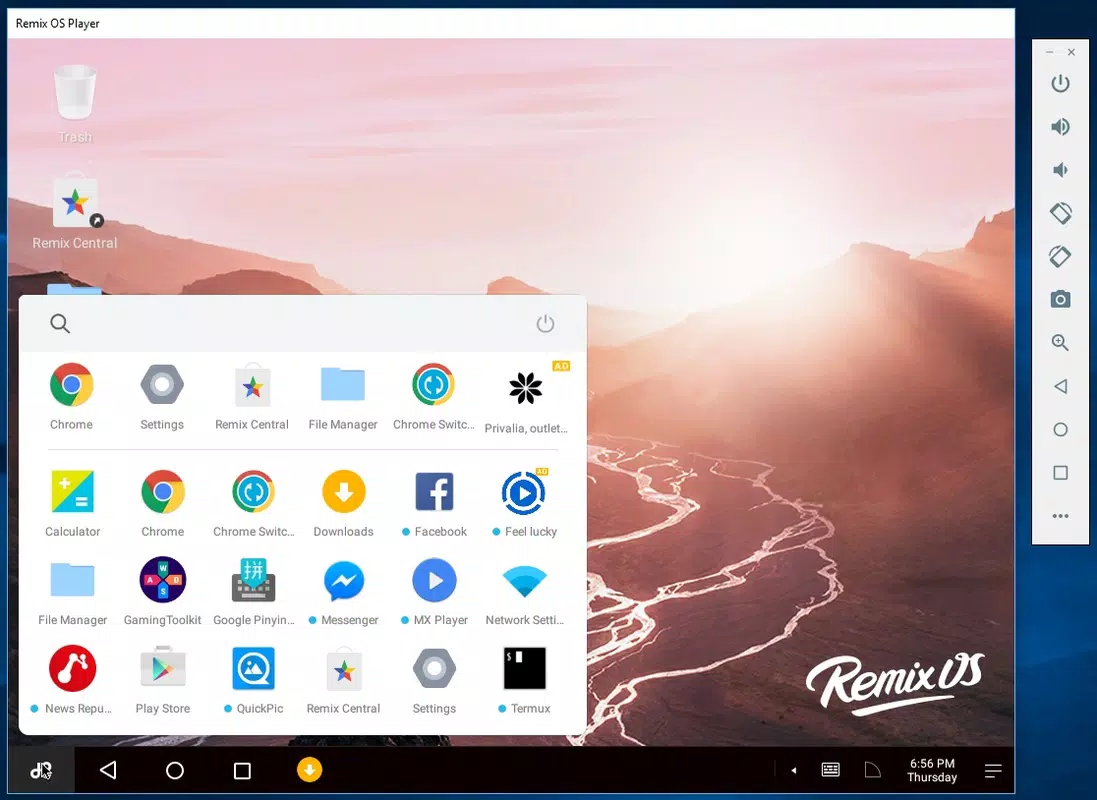
- Desktop-like Android Environment: Remix OS Player presents Android with a modern desktop interface, including a taskbar, resizable windows, and window management — features typically absent in standard Android emulators. This allows users to work with multiple apps simultaneously, enhancing productivity.
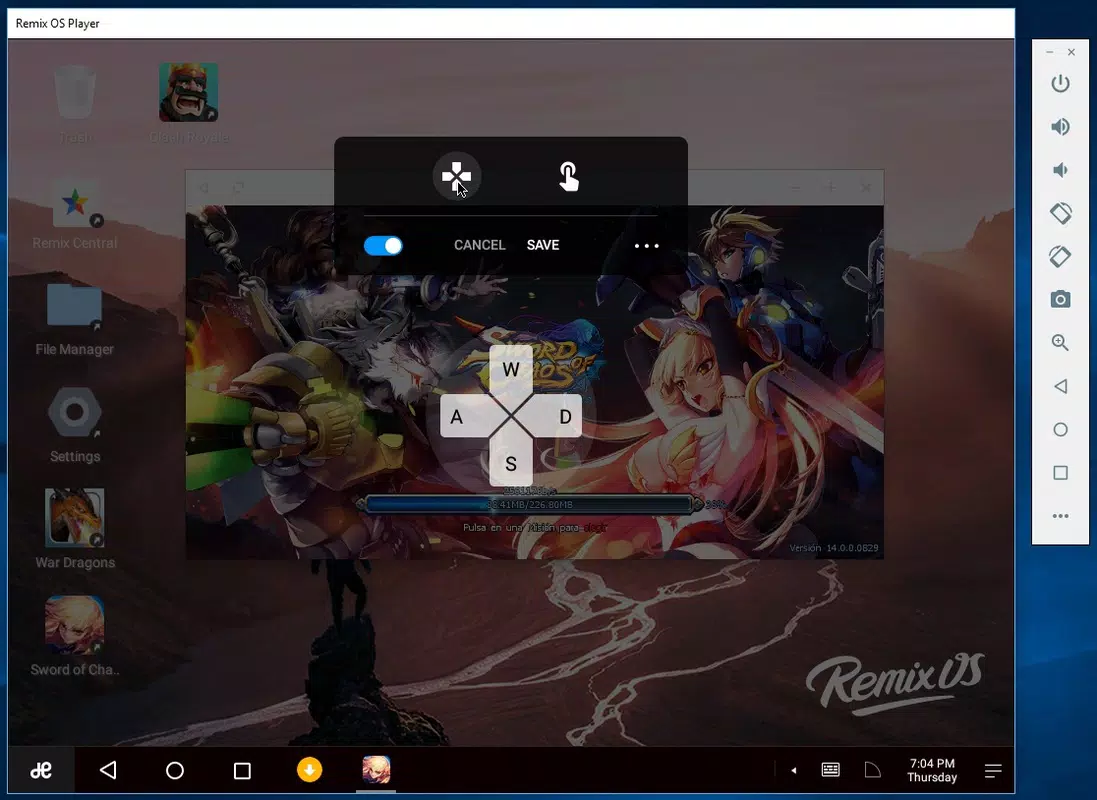
- Full Keyboard and Mouse Support: The app supports keyboard mapping and mouse emulation, enabling users to navigate Android apps using familiar PC input methods. This is especially useful for games, productivity tools, and apps requiring precise input.
- Seamless Multitasking: Users can run both Windows and Android apps side by side. This capability is ideal for workflows that involve using a desktop application while referencing an Android-based tool, such as a messaging app or a mobile-specific utility.
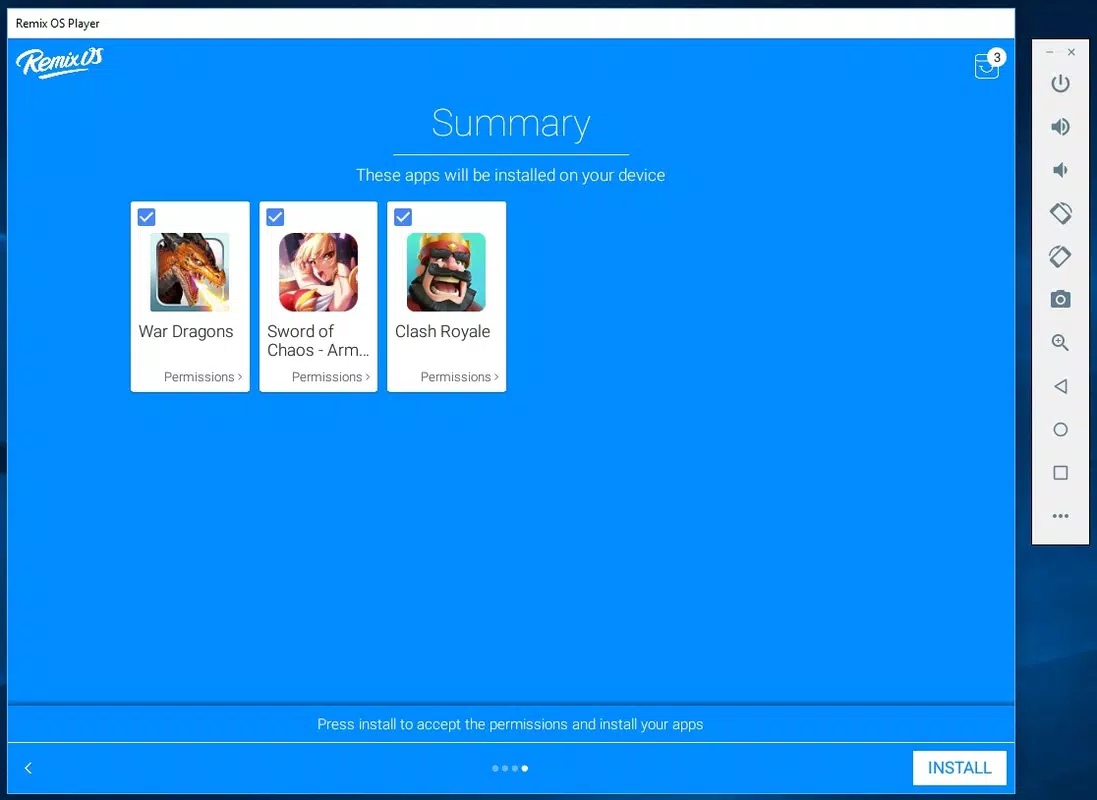
- Android App Compatibility: The emulator supports a wide range of Android applications, including popular games and utilities, thanks to its compatibility layer and optimized performance for common app frameworks.
- Virtual Touchscreen Simulation: The tool includes gesture simulation via keyboard shortcuts, allowing users to mimic touch interactions such as swipes, taps, and pinches, ensuring full functionality of touch-based apps.
For example, a user can run a mobile game like "Clash Royale" in a window while using a desktop browser to look up strategy guides. Similarly, a developer can test an Android app on a virtual device while coding in a desktop IDE. The integration of Android apps into a PC workflow enhances efficiency and reduces the need for multiple devices.
Interface, UX & Performance
The user interface of Remix OS Player is designed with desktop users in mind. It features a clean, modern desktop layout with a taskbar at the bottom, window controls, and a familiar file explorer. The visual style aligns with standard Windows aesthetics, minimizing the learning curve for new users. Navigation is intuitive, with a focus on window-based interactions rather than touch-centric gestures.
Users can resize, minimize, maximize, and move the Android window freely, which supports a flexible multitasking experience. The responsiveness of the interface is consistent across different screen sizes and resolutions, though the developer did not list formal performance metrics. Although the developer did not list formal performance metrics, the app maintains smooth operation during typical usage scenarios, such as launching apps, browsing, and running lightweight games.
Stability appears to be reliable for basic tasks, though users should be aware that performance may vary depending on the host PC’s hardware configuration. The app does not report crashes or freezes in standard operation, and the virtual environment remains accessible after rebooting the host system. Overall, the UX prioritizes usability and accessibility, making it suitable for both casual users and professionals.
Platform Compatibility & Technical Requirements
Remix OS Player is designed exclusively for Windows operating systems. The current version is 2.0.210, with a file size of 1.5 GB. The developer did not specify minimum OS requirements, nor did they list compatibility with specific Windows versions such as Windows 7, 8, or 10. As such, users are advised to ensure their system meets general virtualization requirements, including sufficient RAM and CPU support for virtual machines.
Although the developer did not list formal performance metrics, the app is known to run on mid-to-high-end desktops and laptops with adequate processing power and memory. The virtual machine requires at least 2 GB of RAM and a modern processor to function optimally. The app does not require a dedicated GPU, but graphics-intensive apps may benefit from discrete video hardware.
Compatibility information was not fully disclosed. Users should verify that their system supports virtualization technology (VT-x/AMD-V) and that it is enabled in the BIOS. No additional software dependencies were listed by the developer.
Pros and Cons
Pros
- Runs Android within a window on Windows, enabling true multitasking.
- Features a desktop-like interface with taskbar and resizable windows.
- Supports full keyboard and mouse input, ideal for productivity and gaming.
- Offers access to a wide range of Android apps not available on desktop.
- Free to download and use, with no subscription or in-app purchases.
Cons
- Developer did not specify minimum OS or hardware requirements.
- Performance may vary depending on host system capabilities.
- No official updates or development activity has been reported since 2019.
- Compatibility with newer Android versions or apps is uncertain.
- Limited support or documentation from the developer.
FAQ
Is Remix OS Player safe to download and use?
Yes, Remix OS Player is available as a free tool from its official developer, Jide Technology. As long as it is downloaded from trusted sources, the app is considered secure for use on Windows systems.
Can I run Android games on Remix OS Player?
Yes, the emulator supports Android games, especially those that do not rely on advanced hardware features. Games like "PUBG Mobile" or "Clash of Clans" can be run with keyboard and mouse input, though performance depends on the host PC’s hardware.
Does Remix OS Player require a powerful PC?
While the app can run on systems with moderate specifications, optimal performance requires at least 2 GB of RAM and a modern processor. Graphics-intensive apps may benefit from a dedicated GPU.
Is Remix OS Player still being updated?
The last known version was released in 2019, and no official updates have been reported since. Users should expect limited support and potential compatibility issues with newer Android apps or Windows updates.
Can I use Remix OS Player on a Mac?
No, the app is designed exclusively for Windows. There is no official version available for macOS or other platforms.
Final Thoughts
Remix OS Player stands out as a unique solution for users who want to run Android apps on their Windows desktops without sacrificing the desktop experience. Its desktop-oriented interface, keyboard and mouse integration, and support for multitasking make it a powerful tool for developers, testers, and casual users alike. While its development has stalled since 2019, the app remains functional for basic use cases and continues to serve as a reliable option for those seeking a free Android emulator.
For individuals who value flexibility and cross-platform compatibility, Remix OS Player offers a compelling way to access Android’s vast app ecosystem from their PC. Its free availability and straightforward setup further enhance its appeal. Despite the lack of recent updates, the app’s core functionality remains intact.
Download Remix OS Player now


